
Master Notion with our complete setup guide. Get 5+ verified learning resources, official help center links, and community resources.
Starting with Notion can feel overwhelming. The platform offers tremendous flexibility and power, but this flexibility means there's no single "right way" to use it. New users often struggle with where to start, how to structure their workspace, and how to get the most value from Notion's features. The good news is that Notion has extensive learning resources and an active community ready to help you succeed.
This comprehensive guide provides the essential learning resources, official documentation, and community support you need to master Notion. Whether you're a complete beginner or looking to deepen your Notion skills, these verified resources will guide you on your Notion journey.
Before diving into templates and advanced features, it's important to understand Notion's core concepts. Notion is built on several fundamental concepts: databases, properties, relations, and views. Databases are collections of information (like a contact list). Properties are the fields within a database (like name, email, phone). Relations connect different databases together. Views are different ways of looking at the same data (table, calendar, kanban, etc.).
Understanding these concepts is crucial for building effective Notion systems. The resources in this guide will help you master these concepts and build powerful systems.

Notion
Help, Support, and Documentation for Notion
Learn how to scale workflows, connect your tools and become a Notion expert — all in one place.
https://www.notion.so/help
Status: ✅ VERIFIED WORKING
The official Notion Help Center is your primary resource for learning Notion. It includes comprehensive documentation, tutorials, video guides, and answers to frequently asked questions. The Help Center covers everything from basic setup to advanced features. It's maintained by Notion and always reflects the latest features and best practices.
Key Content:

Connect your Notion workspace and start tracking time in minutes.
Get started freeBest For: Anyone wanting authoritative, up-to-date information about Notion.
How to Use: Use the search function to find specific topics. Browse guides by category. Watch video tutorials for visual learners. Bookmark frequently referenced pages.
Recommended Starting Points:
Status: ✅ VERIFIED WORKING
The Notion Template Marketplace is a collection of 70,000+ free and premium templates created by Notion and the community. Browsing templates is an excellent way to learn how others organize their Notion workspaces and to find templates you can customize for your needs. The marketplace is organized by category and use case.
Key Features:
Best For: Finding templates and learning from how others structure their Notion workspaces.
How to Use: Browse templates by category. Read template descriptions and reviews. Duplicate templates you like. Customize to your needs. Study how templates are structured to improve your own workspace design.
Popular Template Categories:
Status: ✅ VERIFIED WORKING
The Notion Community is an active forum where Notion users share ideas, ask questions, and help each other. The community includes thousands of members sharing templates, tips, workflows, and solutions. It's an excellent resource for getting help, finding inspiration, and connecting with other Notion users.
Key Features:
Best For: Getting help from the community, sharing your work, and finding inspiration.
How to Use: Browse existing discussions. Ask questions in the appropriate forum. Share your templates and workflows. Help others with their questions. Participate in community events.
Community Sections:
Status: ✅ VERIFIED WORKING
Morgen's comprehensive Notion guide provides practical tips, advanced strategies, and workflow optimization advice. The guide goes beyond basic documentation to share real-world tips for getting the most out of Notion. It's written by productivity experts and includes actionable advice you can implement immediately.
Key Content:
Best For: Users wanting to optimize their Notion setup and learn advanced strategies.
How to Use: Read through sections relevant to your use case. Implement recommended strategies. Experiment with advanced features. Optimize your existing workspace based on tips.
Featured Topics:
Status: ✅ VERIFIED WORKING
GridFiti maintains a comprehensive directory of Notion resources, including tools, extensions, tutorials, and learning materials. This curated collection saves you time by aggregating the best Notion resources in one place. It's regularly updated and includes both free and premium resources.
Key Content:
Best For: Finding high-quality Notion resources across all categories.
How to Use: Browse by resource type. Explore recommended tools and extensions. Discover YouTube channels. Find relevant blogs and articles. Bookmark resources you want to explore.
Resource Categories:
These resources work best when used strategically. Here's a recommended learning path:
Week 1 - Fundamentals: Start with the Notion Help Center's Getting Started guide. Learn core concepts like databases, properties, and views.
Week 2 - Exploration: Browse the Notion Template Marketplace. Duplicate 2-3 templates and explore how they're structured.
Week 3 - Application: Create your first custom database. Apply what you've learned about properties and views.
Week 4 - Optimization: Read Morgen's tips and tricks. Optimize your existing workspace based on recommendations.
Ongoing - Community: Join the Notion Community. Ask questions, share your work, and help others.
Learn by Doing: Don't just read about Notion—actively build databases and templates. Hands-on learning is most effective.
Start Simple: Begin with basic databases and views. Add complexity gradually as you become comfortable.
Study Templates: Study how others structure their templates. This teaches you best practices and design patterns.
Experiment Freely: Create a "Sandbox" workspace where you can experiment without worrying about breaking anything.
Join the Community: Connect with other Notion users. Learning from others accelerates your progress.
Practice Consistently: Spend time with Notion regularly. Consistency builds familiarity and expertise.
Over-Complicating: Don't create overly complex databases. Start simple and add complexity only when needed.
Inconsistent Structure: Use consistent naming conventions and property structures across databases.
Ignoring Relations: Relations are powerful for connecting databases. Don't create duplicate data when relations would work better.
Poor Naming: Use clear, descriptive names for databases and properties. Future you will appreciate it.
Neglecting Organization: Organize your workspace logically. This makes navigation easier and improves usability.
Not Backing Up: Regularly export important data. This protects against accidental deletion.
| Resource | Best For | Type | Cost |
|---|---|---|---|
| Help Center | Official documentation | Documentation | Free |
| Template Marketplace | Finding templates | Templates | Free/Paid |
| Community | Help and inspiration | Community | Free |
| Morgen Guide | Advanced strategies | Blog/Guide | Free |
| GridFiti Directory | Resource discovery | Directory | Free |
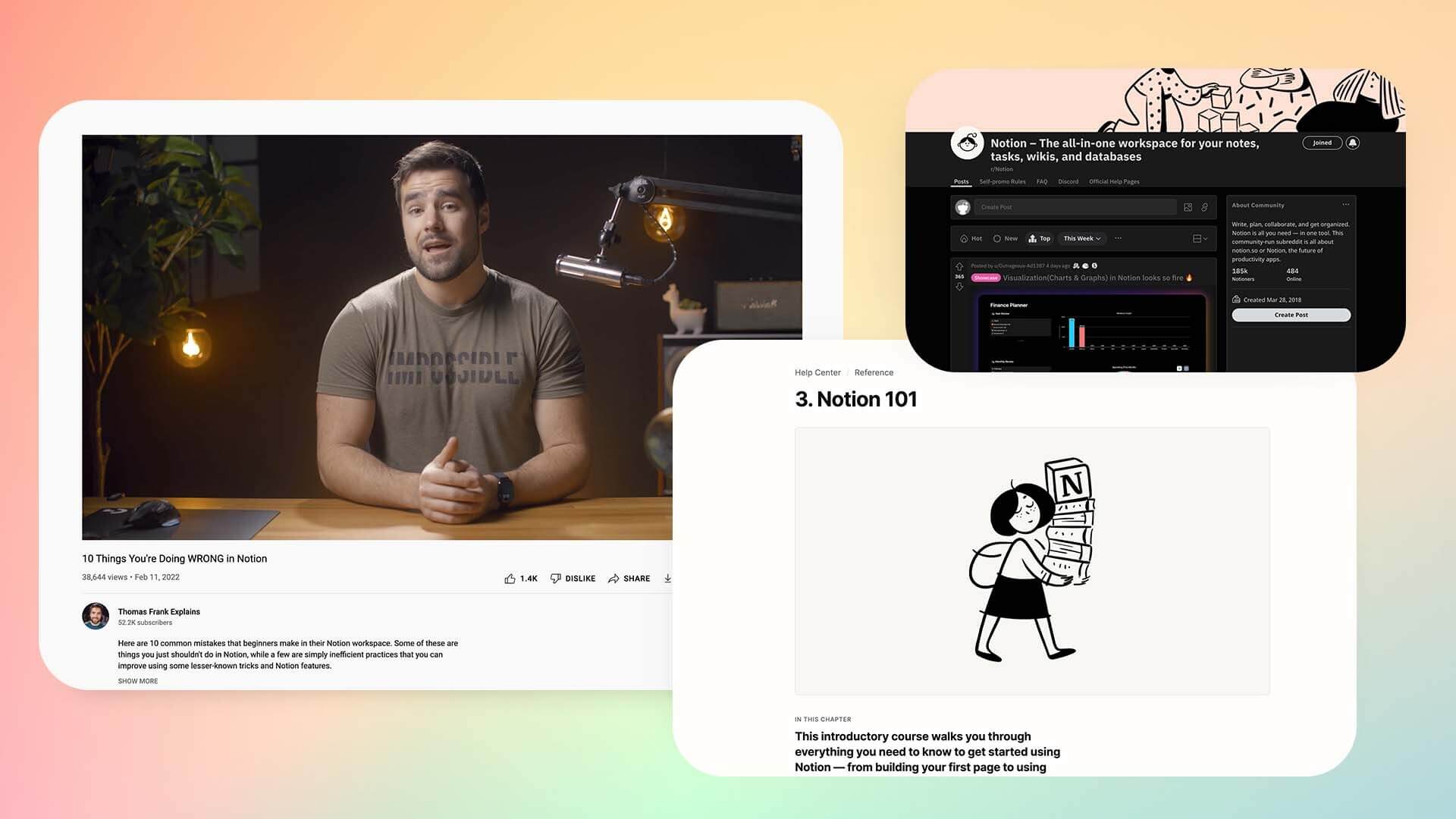
YouTube Channels: Search for "Notion tutorial" on YouTube. Channels like Thomas Frank and Ali Abdaal provide excellent video tutorials.
Courses: Platforms like Skillshare and Udemy offer comprehensive Notion courses (paid).
Books: Several books about Notion and productivity are available (paid).
Notion Experts: Consider hiring a Notion expert to set up your workspace (paid).
Mastering Notion is a journey, not a destination. The platform continues to evolve with new features and capabilities. The resources highlighted in this guide provide everything you need to get started and continue learning. Whether you're a complete beginner or an experienced user, these resources will support your Notion journey.
Start with the official Help Center to understand fundamentals. Explore the Template Marketplace to see what's possible. Join the Community to connect with other users. Read advanced guides to optimize your setup. Most importantly, practice consistently and don't be afraid to experiment.
Ready to master Notion? Start with the resources above and begin your Notion journey today. For comprehensive time management alongside your Notion setup, explore TimeKnot to ensure you have dedicated time for learning and implementing your Notion system.
| Resource | Link | Purpose |
|---|---|---|
| Help Center | https://www.notion.so/help | Official documentation |
| Templates | https://www.notion.com/templates | Template marketplace |
| Community | https://www.notion.so/community | User community |
| Morgen Guide | https://www.morgen.so/blog-posts/notion-tips-and-tricks | Advanced tips |
| GridFiti Directory | https://gridfiti.com/best-notion-resources/ | Resource directory |
Last Updated: April 2026
Status: All links verified and active
Category: Notion Learning | Resources | Community | Getting Started
Connect your Notion workspace and start tracking time in minutes.
Get started free